


【源码简介】
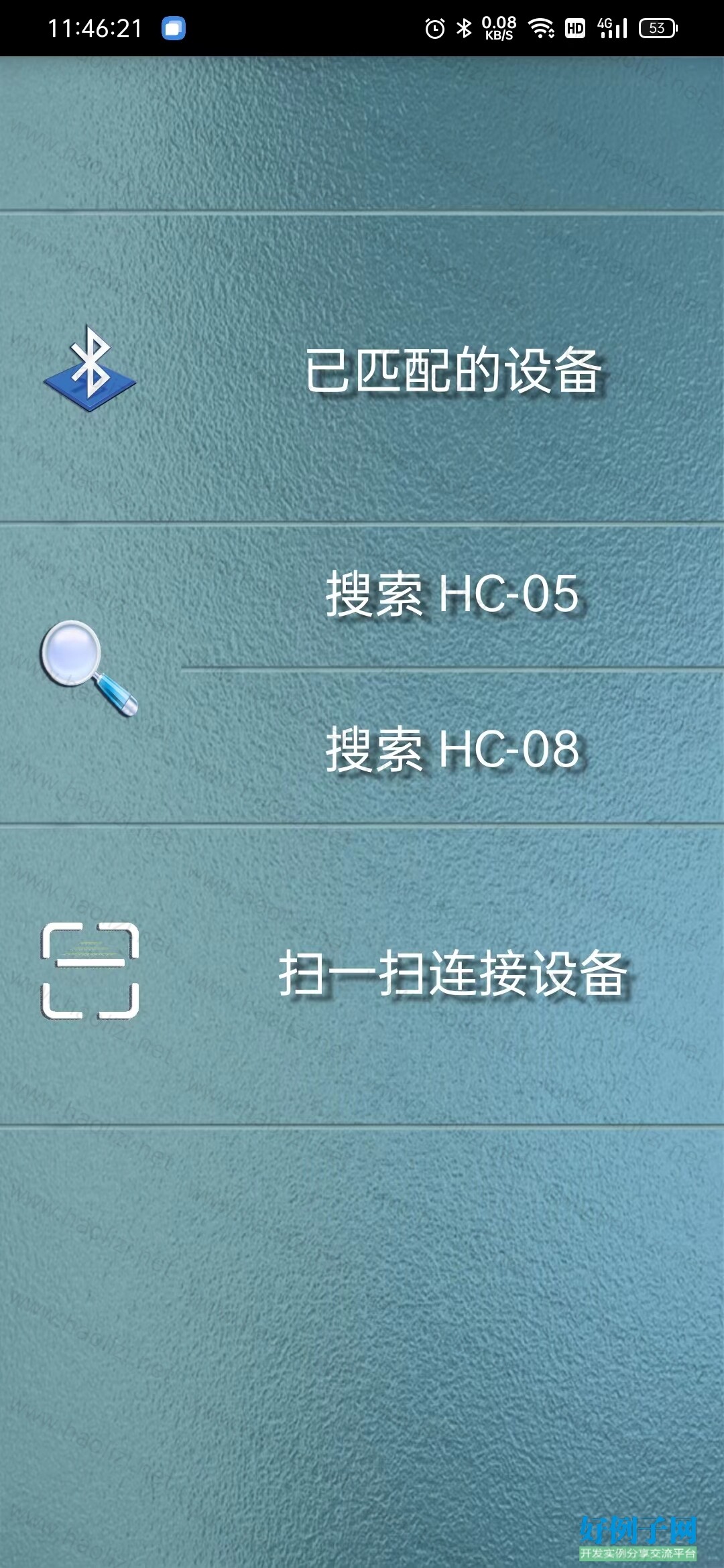
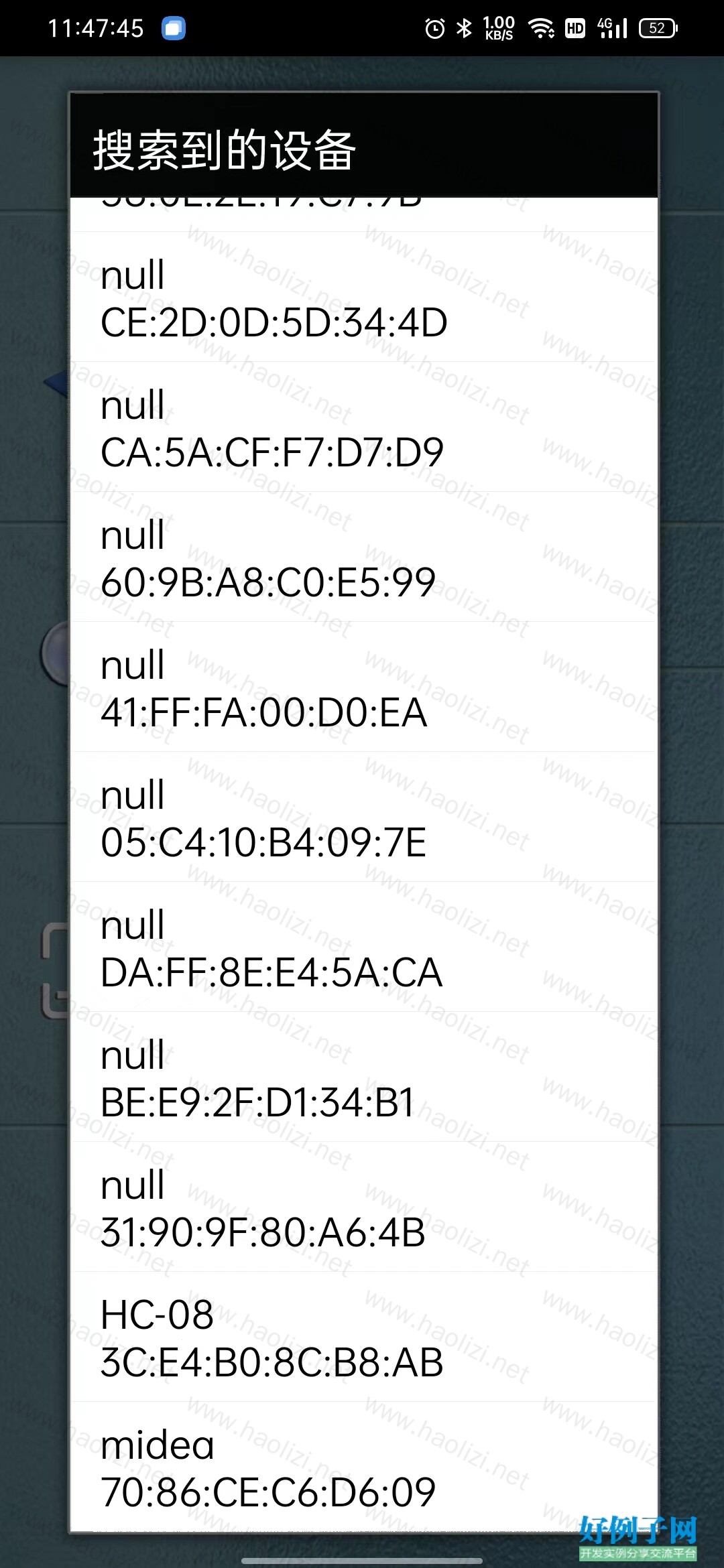
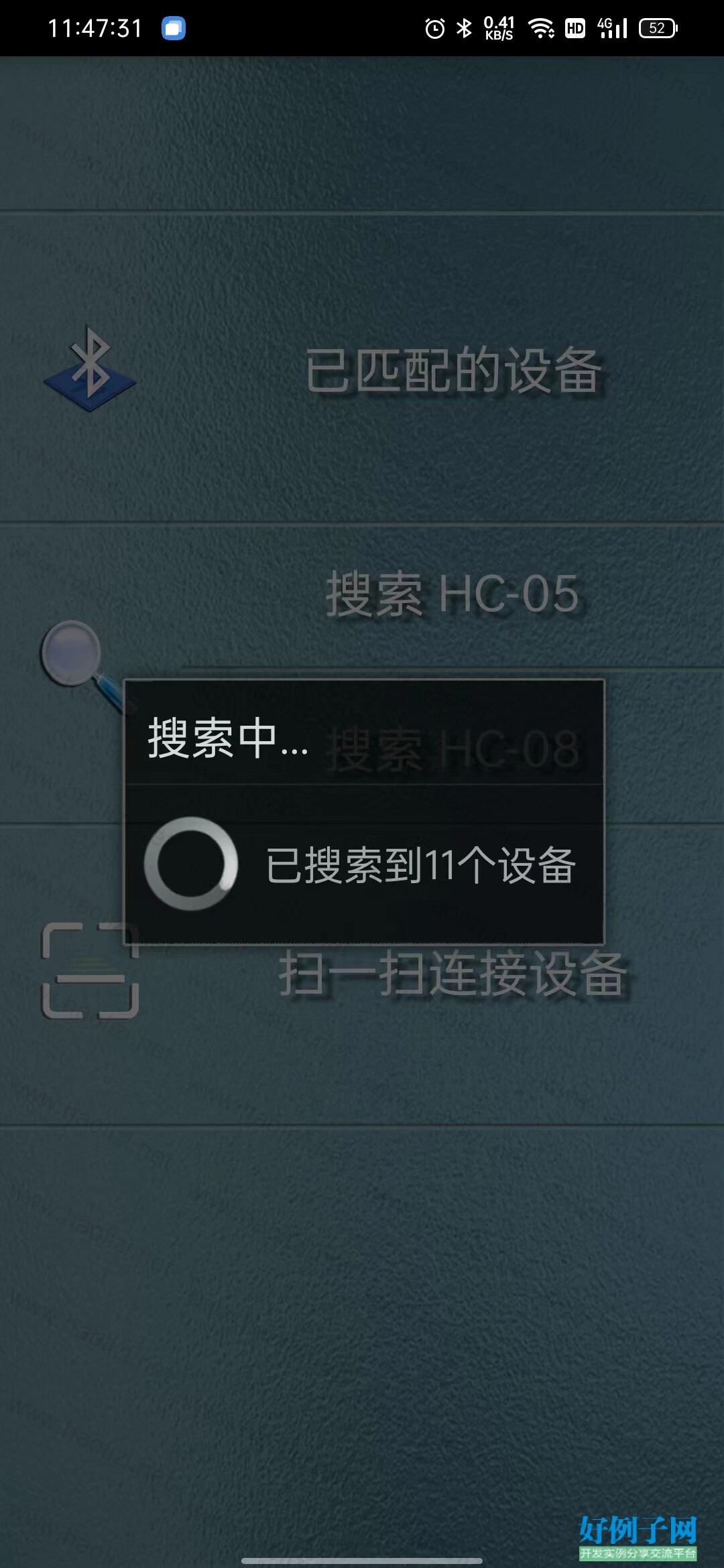
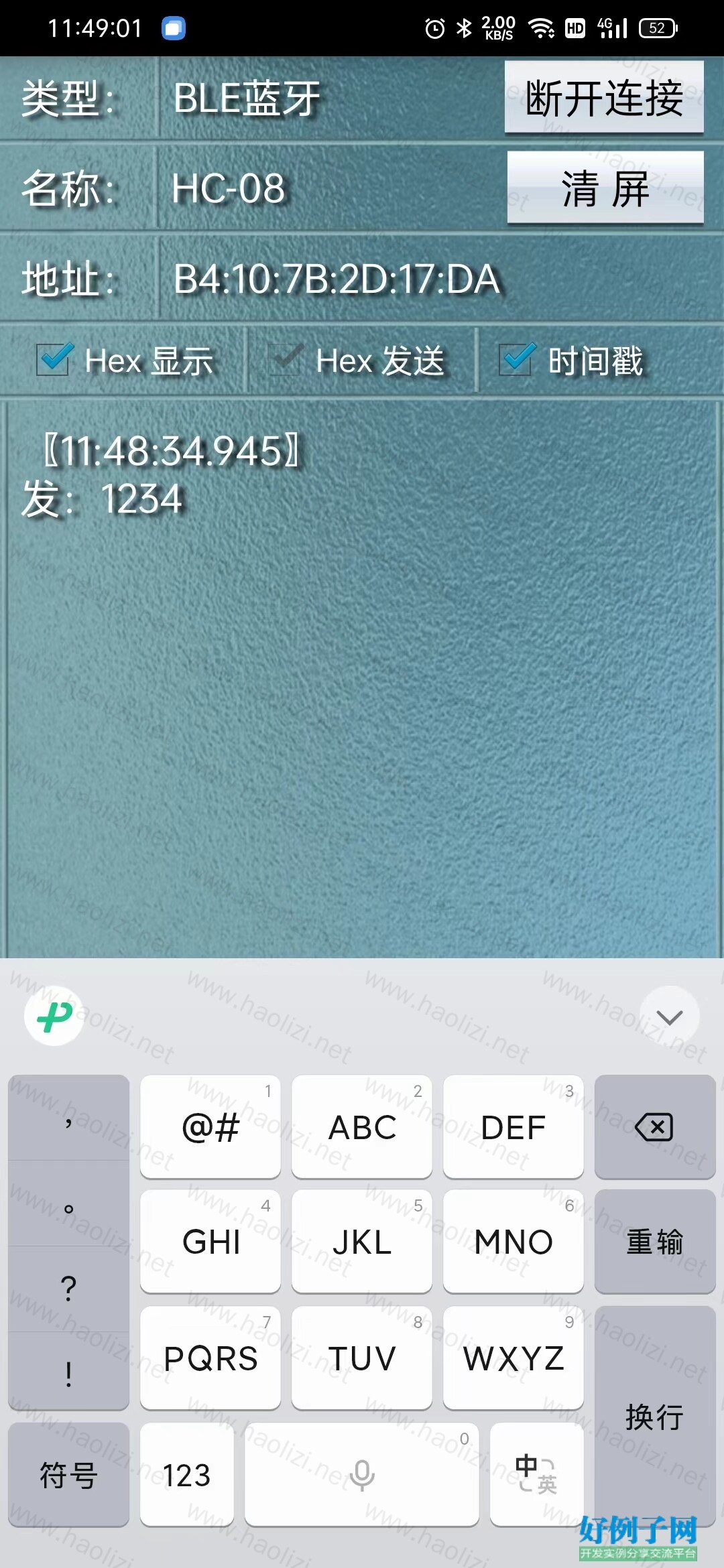
项目需求增加蓝牙串口通讯功能,为方便调试,设计了个可通过扫描二维码连接蓝牙模块的app,蓝牙模块选用的是HC-08/HC-05,可自动识别设备类型
【源码截图】
【核心源码】
//@@@@@@@@@@@@@@@@@@@@@@@@@@@@@@@@@@@@@@@@@@@蓝牙4.0BLE@@@@@@@@@@@@@@@@@@@@@@@@@@@@@@@@@@@@@@@@@@@ public BluetoothDevice mdevice; public BluetoothGatt bluetoothGatt; public String BLEmac="50:51:A9:90:A0:D5"; public String SERVICESUUID = "0000ffe0-0000-1000-8000-00805f9b34fb"; //服务的UUID public String WRITEUUID = "0000ffe1-0000-1000-8000-00805f9b34fb"; //写入特征的UUID public String NOTIFYUUID = "0000ffe1-0000-1000-8000-00805f9b34fb"; //监听特征的UUID public BluetoothGattService bluetoothGattService; public BluetoothGattCharacteristic writeCharacteristic; public BluetoothGattCharacteristic notifyCharacteristic; //@@@@@@@@@@@@@@@@@@@@@@@@@@@@@@@@@@@@@@@@@@@扫一扫@@@@@@@@@@@@@@@@@@@@@@@@@@@@@@@@@@@@@@@@@@@ private final int REQUEST_DODE=99; private final int RESULT_CODE=100; @Override protected void onCreate(Bundle savedInstanceState) { super.onCreate(savedInstanceState);
    setContentView(R.layout.activity_main);
    setRequestedOrientation(ActivityInfo.SCREEN_ORIENTATION_PORTRAIT);//保持纵屏不变  getWindow().addFlags(WindowManager.LayoutParams.FLAG_KEEP_SCREEN_ON);//保持屏幕常亮  hideBottomUIMenu(true);
    getAndroiodScreenProperty(); dirpath=(String) StorageAddress(1);//获取外部存储器地址  dirname= getString(R.string.dirname);//app存储在外部存储器中的文件夹名  filename=getString(R.string.filename);//app的系统预文件  //1.检查文件夹是否存在,不存在新建  JudgeDirExist(dirpath "/" getString(R.string.dirname).substring(0,6)); JudgeDirExist(dirpath "/" dirname); //2.检查文件夹中是否存在预文件,没有则新建并初始化  try { if(creatTxtFile(filename,dirpath "/" dirname)==true){//新建则初始化  writeTxtToFile("1",filename,dirpath "/" dirname);
        }
    } catch (IOException e) {
        e.printStackTrace();
    } languageflag=ChangeLanguage(this);//语言判断  //######################################################################  bg_TopShowhome= (ImageView) findViewById(R.id.BG_TopShowhome); bg_TopShowBluetooth= (GifImageView) findViewById(R.id.BG_TopShowBluetooth); bg_TopShowbtdark= (ImageView) findViewById(R.id.BG_TopShowbtdark); bg_TopShowText= (TextView) findViewById(R.id.BG_TopShowText); bg_TopShowlayout= (RelativeLayout) findViewById(R.id.BG_TopShowlayout); listLayoutretrybt= (Button) findViewById(R.id.ListLayoutretrybt); listLayouexitbt= (Button) findViewById(R.id.ListLayouexitbt); listLayoutTitle=(TextView) findViewById(R.id.ListLayoutTitle); bg_TopShowText.setSelected(true); bg_TopShowhome.setOnClickListener(cl); bg_TopShowbtdark.setOnClickListener(cl); bg_TopShowBluetooth.setOnClickListener(cl); listLayoutretrybt.setOnClickListener(cl); listLayouexitbt.setOnClickListener(cl); bg_TopShowText.setOnClickListener(cl); newDevicesListView = (ListView) findViewById(R.id.ListLayoutList); listLayout= (RelativeLayout) findViewById(R.id.ListLayout); //######################################################################  mBluetoothAdapter = BluetoothAdapter.getDefaultAdapter(); timer=new Timer(); //开机查询蓝牙状态  if (mBluetoothAdapter == null) {
        finish(); return;
    } mBuffer = new ArrayList<Integer>();
    MainaCtivityLangugeSet(); ClickTime = System.currentTimeMillis(); mNewDevicesArrayAdapter = new ArrayAdapter<String>(this, R.layout.device_name);
    bluetoothInit(); //蓝牙初始化  //mBluetoothAdapter.startLeScan(mBLEScanCallback); }; //mBLEScanCallback回调函数 public BluetoothAdapter.LeScanCallback mBLEScanCallback = new BluetoothAdapter.LeScanCallback() { @Override  public void onLeScan(BluetoothDevice device, int rssi, byte[] scanRecord) { //打印蓝牙mac地址  int i=0; boolean flag=false;
        String itemstr="";
        Log.d("BleMAC", device.getAddress()); if(BluetoothDeviceNum>0){
            flag=false; for(i=0;i<BluetoothDeviceNum;i  ){
                itemstr=BluetoothDeviceList[i]; if(itemstr.substring(itemstr.length()-17,itemstr.length()).equals(device.getAddress())){
                    flag=true; break;
                }
            } if(!flag){ BluetoothDeviceList[BluetoothDeviceNum  ]=device.getName() device.getAddress(); progressDialog.setMessage("已搜索到" String.valueOf(BluetoothDeviceNum) "个设备");
            }
        } else { BluetoothDeviceList[BluetoothDeviceNum  ]=device.getName() device.getAddress(); progressDialog.setMessage("已搜索到" String.valueOf(BluetoothDeviceNum) "个设备");
        }
    }
}; //控件监听 public void widgetListener() { int i=0; if (Build.VERSION.SDK_INT >=23){ if ((this.checkSelfPermission(PERMISSIONS_STORAGE[0])!= PERMISSION_GRANTED)) {//如果没有位置权限  String[] ST={PERMISSIONS_STORAGE[0]}; this.requestPermissions(ST,1);
        }
    }
} public void writedatatoble (String datastr){
    String res = datastr;
    Log.d("发送的数据是",res); byte[] mybyte = BytesHexStrTranslate.StringtoBytes(res); writeCharacteristic.setValue(mybyte); writeCharacteristic.setWriteType(BluetoothGattCharacteristic.WRITE_TYPE_NO_RESPONSE); bluetoothGatt.writeCharacteristic(writeCharacteristic);
} //蓝牙回调函数 public final BluetoothGattCallback bluetoothGattCallback = new BluetoothGattCallback() { //连接状态改变时回调  @Override  public void onConnectionStateChange(BluetoothGatt gatt, int status, int newState) { bluetoothGatt.discoverServices(); if (newState == BluetoothProfile.STATE_CONNECTED) { //WaitingDialog.dismiss();  Log.d("onConnectionStateChange","连接成功");
        } else { //WaitingDialog.dismiss();  if(BluetoothConnectFlag==2) { mHandler.sendEmptyMessage(0);
            } else if(BluetoothConnectFlag==1) { mHandler.sendEmptyMessage(2);
            }
            Log.d("onConnectionStateChange","连接断开");
        }
    } //写入成功回调函数  @Override  public void onCharacteristicWrite(BluetoothGatt gatt, BluetoothGattCharacteristic characteristic, int status) { super.onCharacteristicWrite(gatt, characteristic, status);
        Log.d("onCharacteristicWrite", "写入成功");
    } //UUID搜索成功回调  @Override  public void onServicesDiscovered(BluetoothGatt gatt, int status) { if (status == BluetoothGatt.GATT_SUCCESS) {
            List<BluetoothGattService> supportedGattServices = bluetoothGatt.getServices(); for (int i = 0; i < supportedGattServices.size(); i  ) {
                Log.i("success", "1:BluetoothGattService UUID=:"   supportedGattServices.get(i).getUuid());
                List<BluetoothGattCharacteristic> listGattCharacteristic = supportedGattServices.get(i).getCharacteristics(); for (int j = 0; j < listGattCharacteristic.size(); j  ) {
                    Log.i("success", "2:   BluetoothGattCharacteristic UUID=:"   listGattCharacteristic.get(j).getUuid());
                }
            }
        } else {
            Log.e("fail", "onservicesdiscovered收到: "   status);
        } //设置serviceUUID,原型是:BluetoothGattService bluetoothGattService = bluetoothGatt.getService(UUID.fromString(SERVICESUUID));  bluetoothGattService = bluetoothGatt.getService(UUID.fromString(SERVICESUUID)); //设置写入特征UUID,原型是:BluetoothGattCharacteristic writeCharacteristic = bluetoothGattService.getCharacteristic(UUID.fromString(WRITEUUID));  writeCharacteristic = bluetoothGattService.getCharacteristic(UUID.fromString(WRITEUUID)); //设置监听特征UUID,原型是:BluetoothGattCharacteristic notifyCharacteristic = bluetoothGattService.getCharacteristic(UUID.fromString(NOTIFYUUID));  notifyCharacteristic = bluetoothGattService.getCharacteristic(UUID.fromString(NOTIFYUUID)); //开启监听  gatt.setCharacteristicNotification(notifyCharacteristic,true);
        Log.d("uuidconnectsuccess", "uuid连接成功"); dialogcancleflag=true; mHandler.sendEmptyMessage(1);
    } //接受数据回调  @Override  public void onCharacteristicChanged(BluetoothGatt gatt, BluetoothGattCharacteristic characteristic) { byte[] value = characteristic.getValue(); BluetoothStrTemp=BluetoothStrTemp BytesHexStrTranslate.bytesToHexFun1(value); if(recieveflag) { mHandler.sendEmptyMessage(13); recieveflag=false;
        } //BLErecieveStr=ShowRecieveText(true,timeshowflag,BLErecieveStr,value);  }
}; public void bluetoothInit() { //如果不支持蓝牙  if (!getPackageManager().hasSystemFeature(PackageManager.FEATURE_BLUETOOTH_LE))
    { //提示不支持蓝牙  Toast.makeText(this, "程序不支持该设备", Toast.LENGTH_SHORT).show();
        finish();
    } //如果蓝牙适配器为空  if (mBluetoothAdapter == null)
    { //显示设备无蓝牙  Toast.makeText(this, "设备无蓝牙", Toast.LENGTH_SHORT).show(); //退出  } //如果蓝牙未开启  if (!mBluetoothAdapter.isEnabled())
    { //不提示,直接开启蓝牙  mBluetoothAdapter.enable(); //提示开启蓝牙中  //Toast.makeText(this, "开启蓝牙中,如果未开启,请检查应用权限", Toast.LENGTH_SHORT).show();  }
}

